


Live camera scan
Use your computer, tablet or phone camera. Perfect for checking a physical document, flyer or label in front of you — no app to install.
Scan a QR code with your camera or import a photo. Instantly see the encoded content and a security estimate before opening the link.
Ideal for checking a QR code found in a shop window, flyer, parcel or menu — with no app to install.
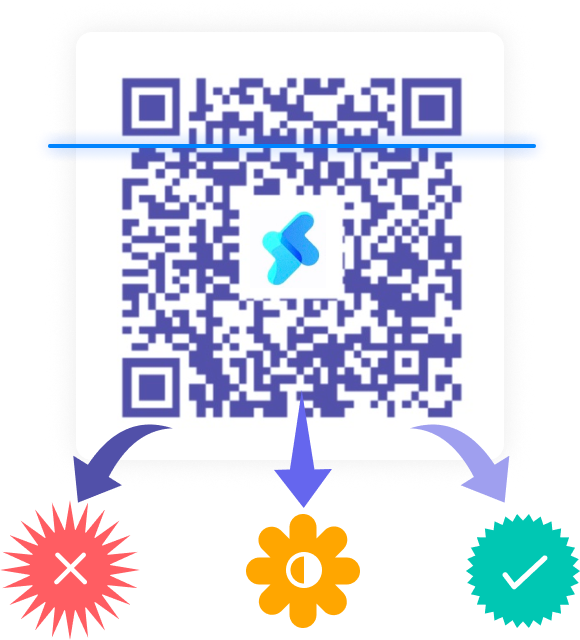
Two simple ways to decode your QR codes
Use your computer, tablet or phone camera. Perfect for checking a physical document, flyer or label in front of you — no app to install.


Got a QR code by email, WhatsApp or as a screenshot? Upload the photo (PNG, JPG, WebP) to extract its content in one click.
Quishing (QR code phishing) is on the rise. Our tool analyzes the encoded URL before your browser opens it.

We check whether the QR code hides a shortened URL or a suspicious chain of redirects.
Security certificates (HTTPS) and domain name analysis to detect typosquatting (fake official sites).

You stay in control: the link never opens automatically without your confirmation.
The higher the score, the riskier the link looks. Here is the scale we use:
Standard HTTPS with no obvious warning signs
Unusual elements: verify the destination
Risk signals (HTTP, doubtful host, etc.)
Potentially dangerous content: do not open it
When and why use our QR Scanner?
Check that a payment QR code leads to your supplier’s official bank details or payment gateway.

Analyze QR codes received as images before opening an unknown link.

Avoid fake stickers on charging stations, parking meters or display panels.
Quickly decode tracking URLs or text IDs on your deliveries.
Short answers about scanning QR codes and checking links.
On the x-qrcode QR Scanner page, allow camera access and point at the QR code. You can also upload a photo of the code if your device has no usable camera.
Yes. The tool runs entirely in the browser: no app to download to read the QR code and display the URL.
After scanning, x-qrcode shows the code content and a security estimate (HTTPS, phishing signals, AI score). A high score means you should avoid opening the link.
No. It is an indicative estimate, not antivirus software. It helps spot risky patterns, but you remain responsible for deciding whether to open a link.
Decoding happens in your browser. The AI estimate may send the URL to our API for analysis and caching; it is not meant to be published as a personal history.
Yes. x-qrcode also lets you create simple or multi-link QR codes, customize them and track scans. Use Create my QR code to get started.
Go beyond raw links. Create secure QR codes, on-brand and with real-time scan statistics.